
Run your MSPby asking.
A complete PSA with an AI operator beside every screen. Ask for anything, see it as live data, and go straight to the work.
The agentic AIPSA for MSPs
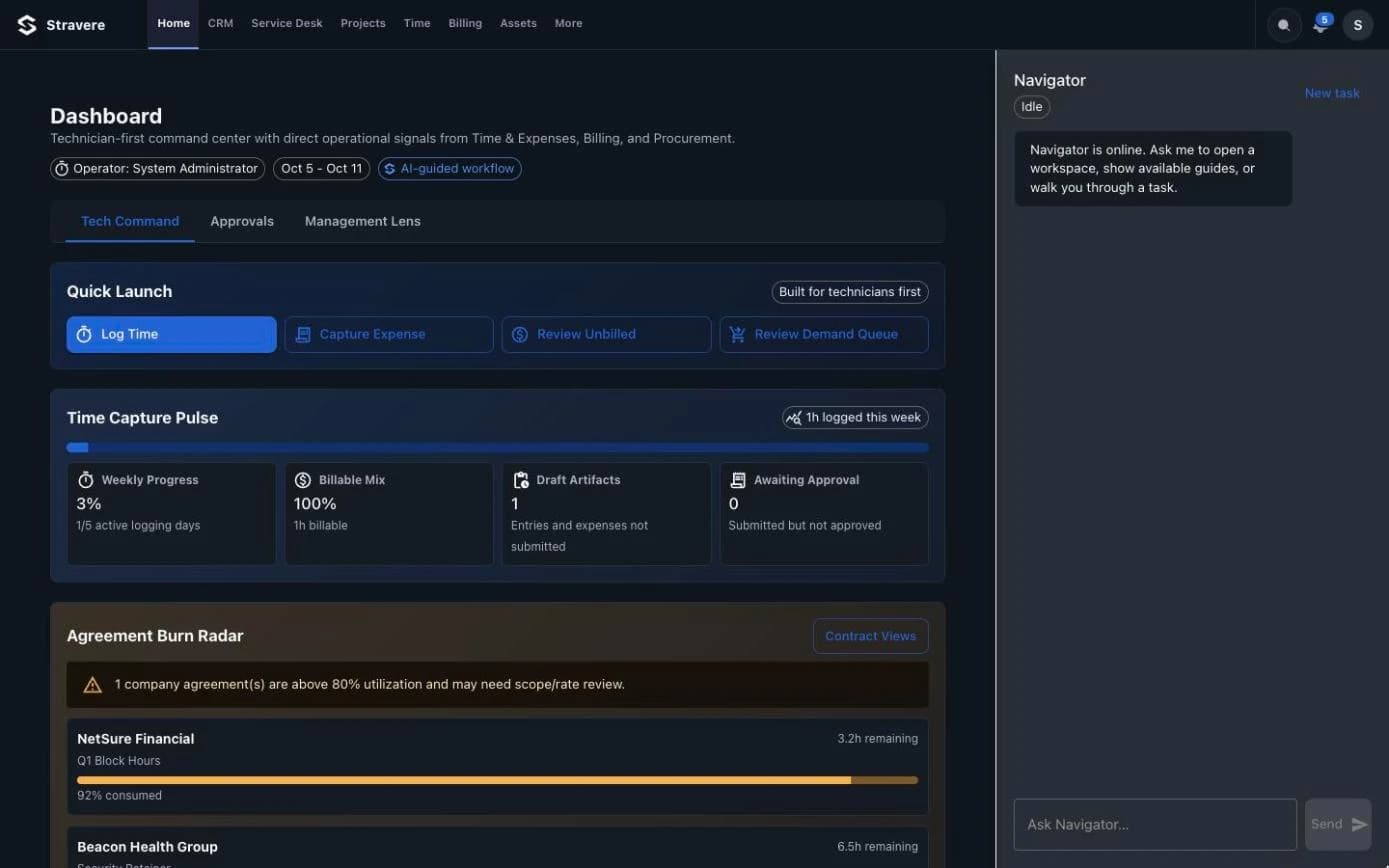
A logbook is not a command center.
Most PSAs record what happened. Stravere moves the work forward. It finds what needs attention, answers with live data, and opens the exact view you need.
- 01
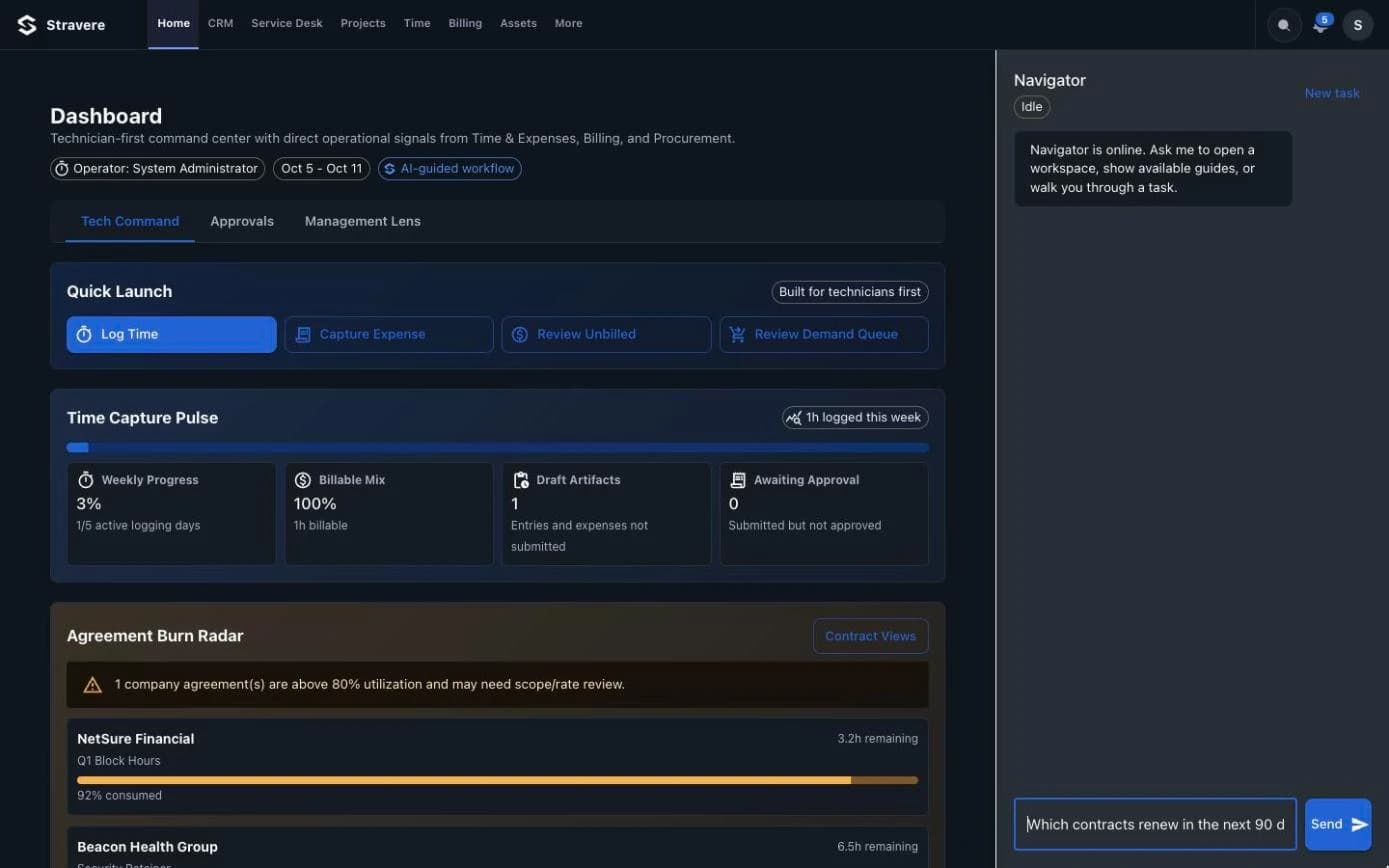
Ask in plain words.
Type the question the way you'd ask your service manager. Navigator knows your tickets, contracts, schedule and invoices.
- 02
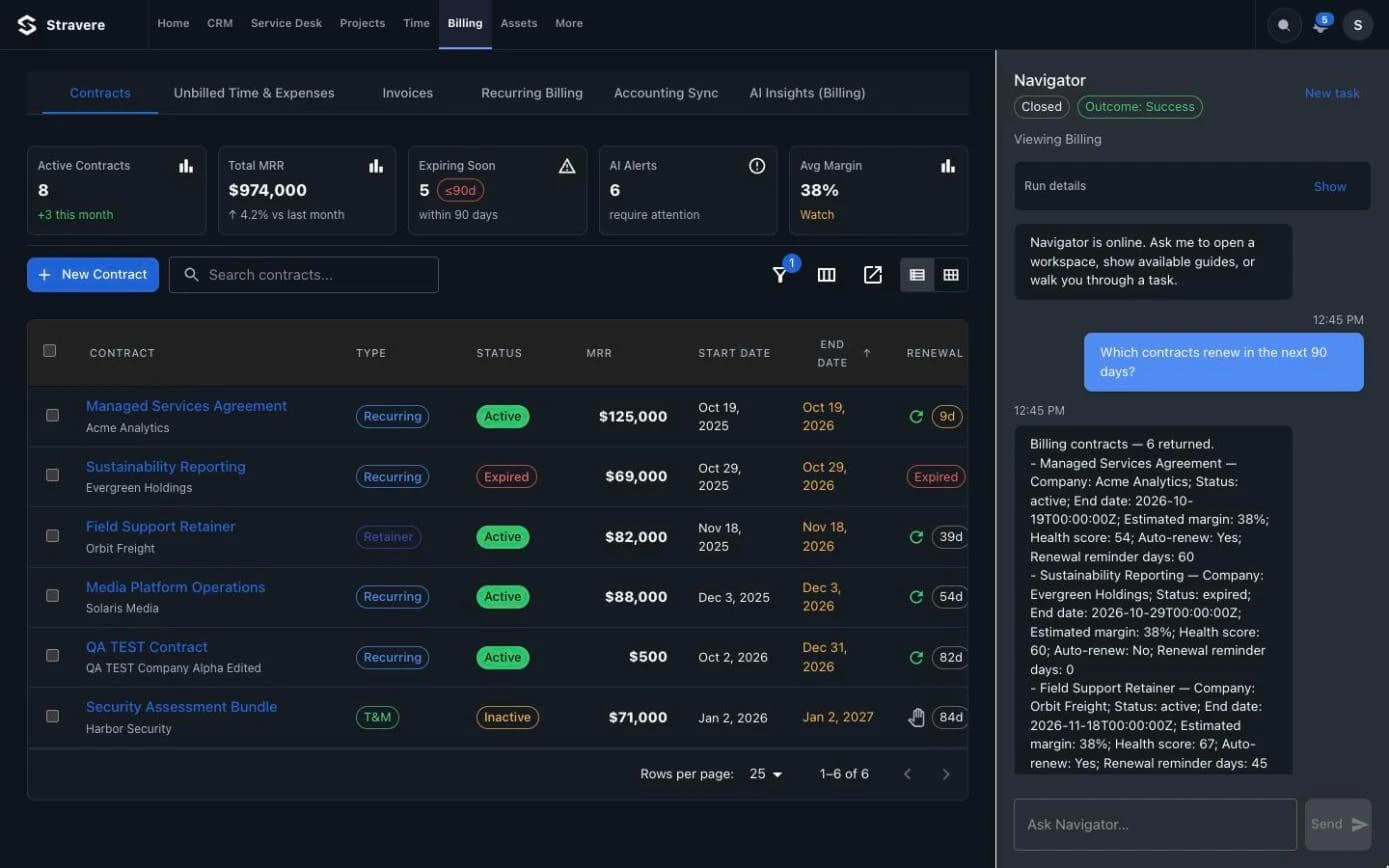
See the answer as live data.
Answers come back as real records from Stravere, right beside the screen you're on.
- 03
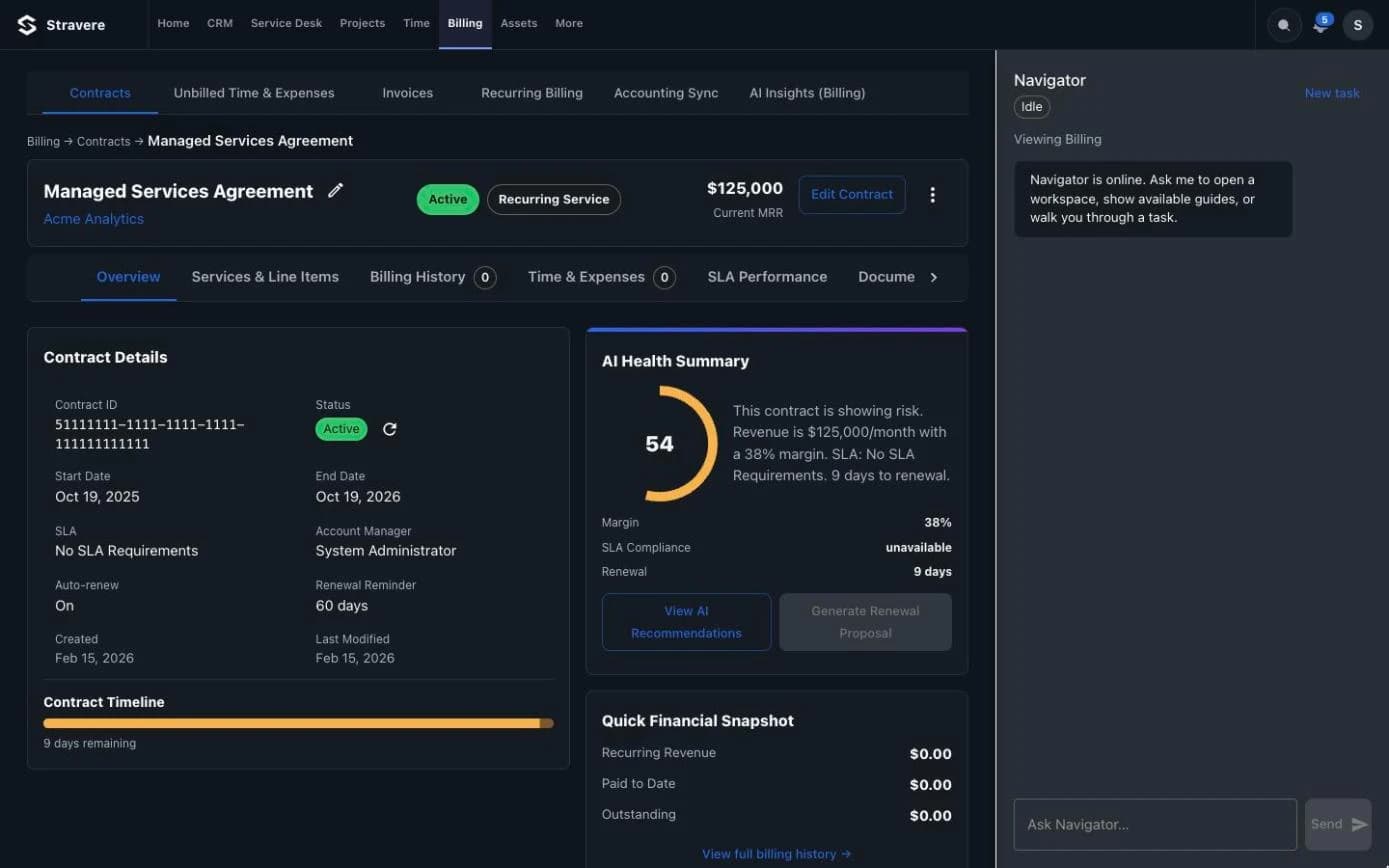
Act in the right view.
Navigator opens the exact screen you need, already filtered, so the next click is the work.
Platform
One PSA for the whole job.
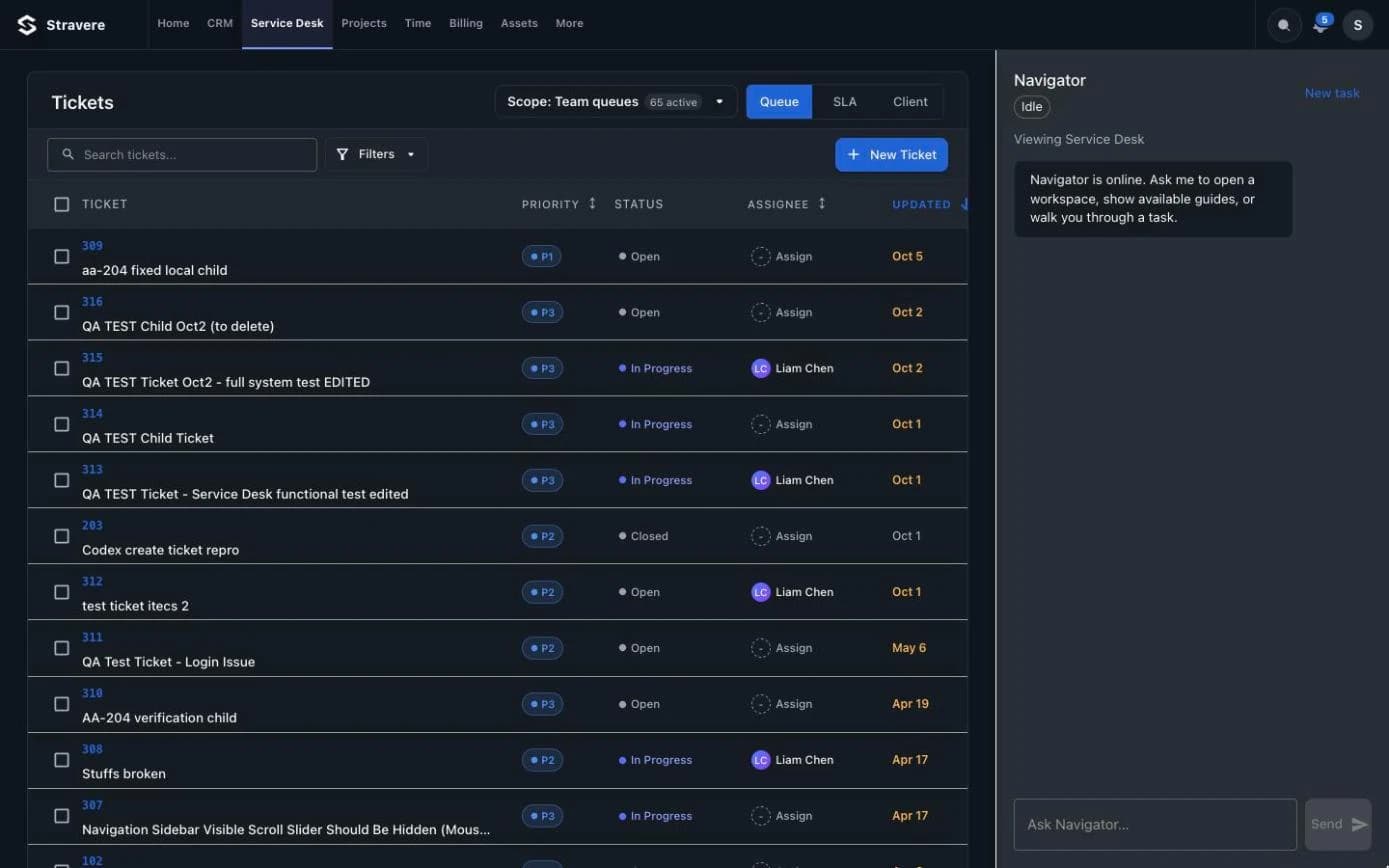
- 01Service DeskTickets, queues and SLAs, with the context to close them.Tickets, queues and SLAs, with the context to close them.
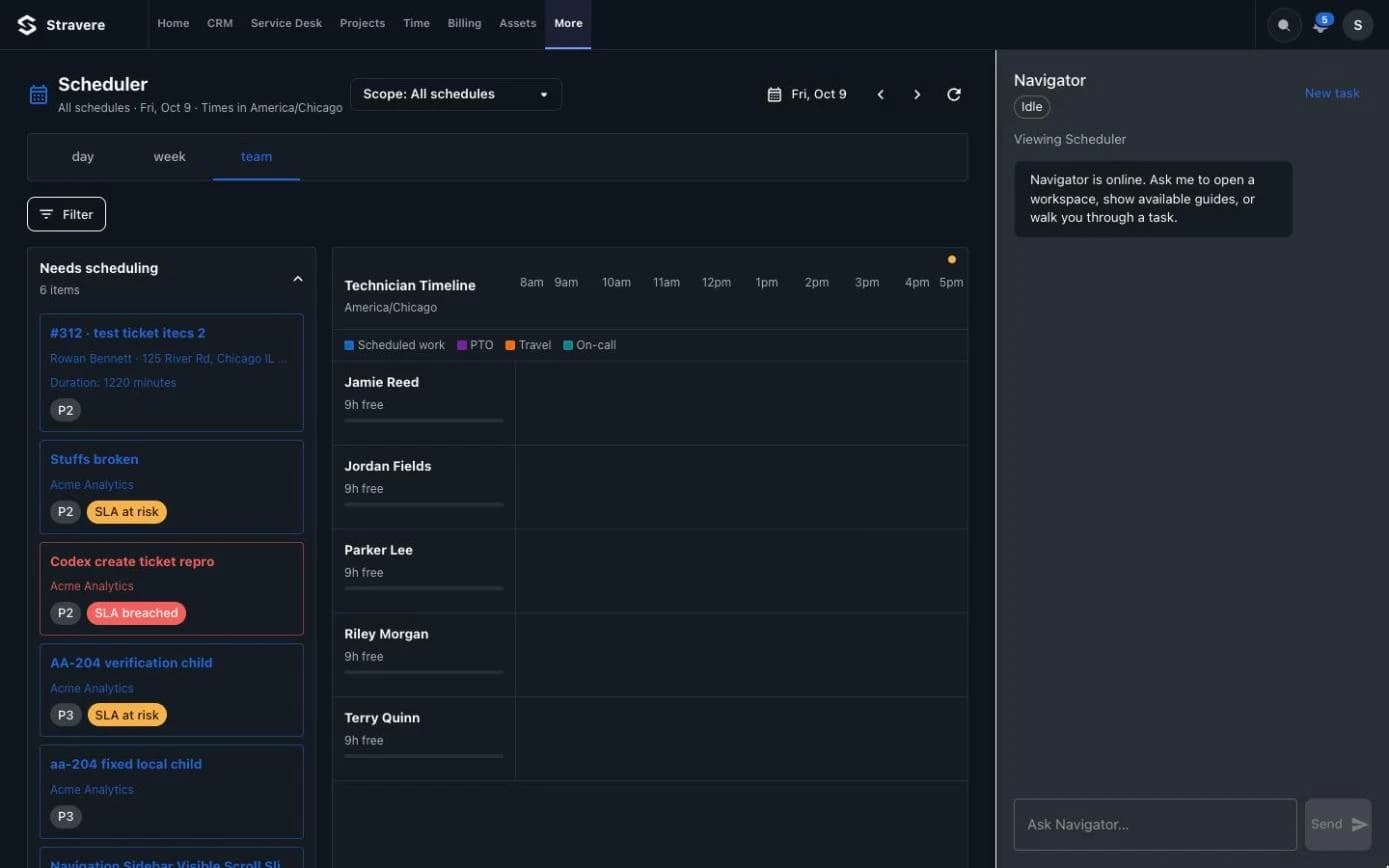
- 02SchedulingDispatch techs against real capacity and conflicts.Dispatch techs against real capacity and conflicts.
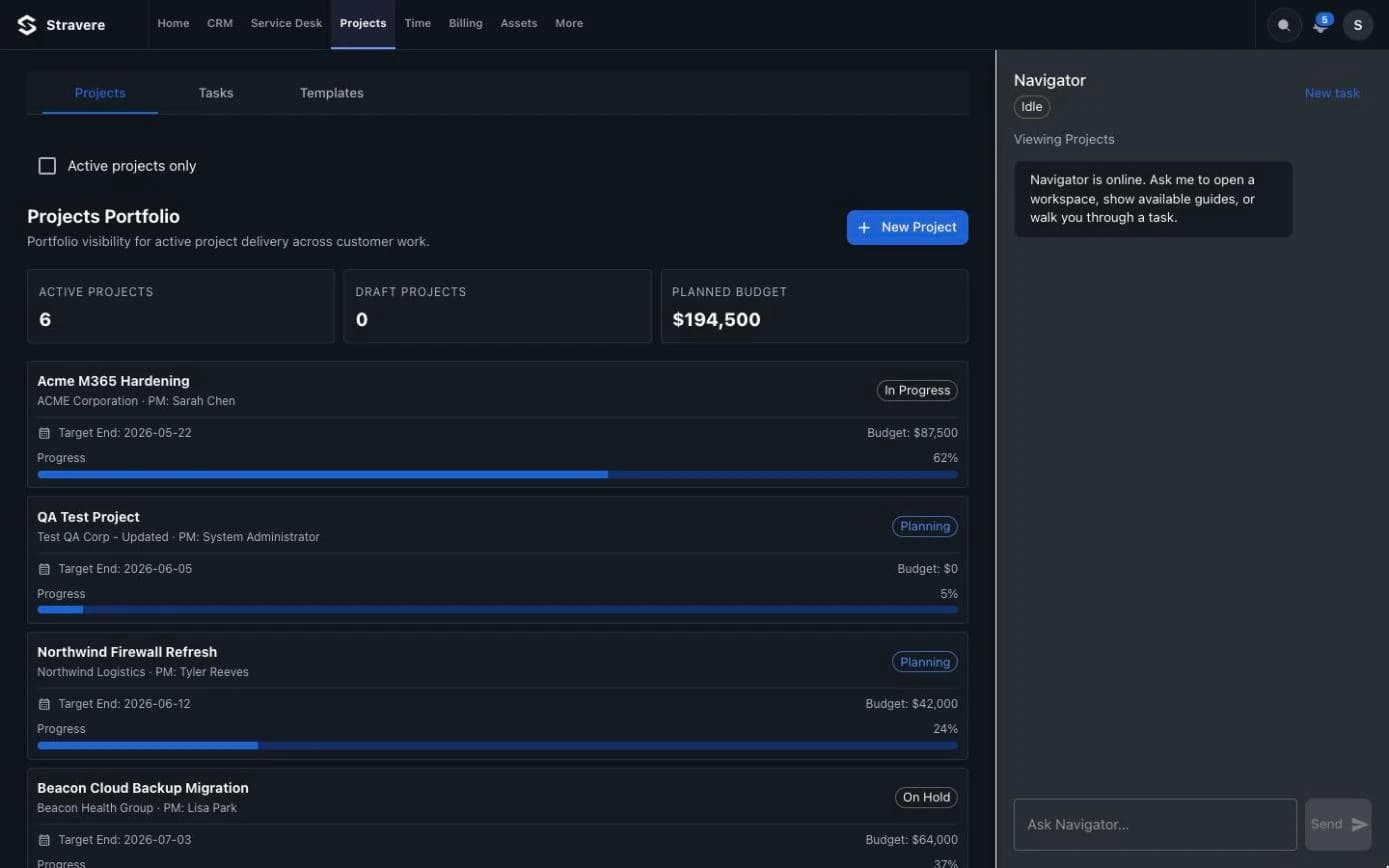
- 03ProjectsPlan, staff and bill project work in one place.Plan, staff and bill project work in one place.
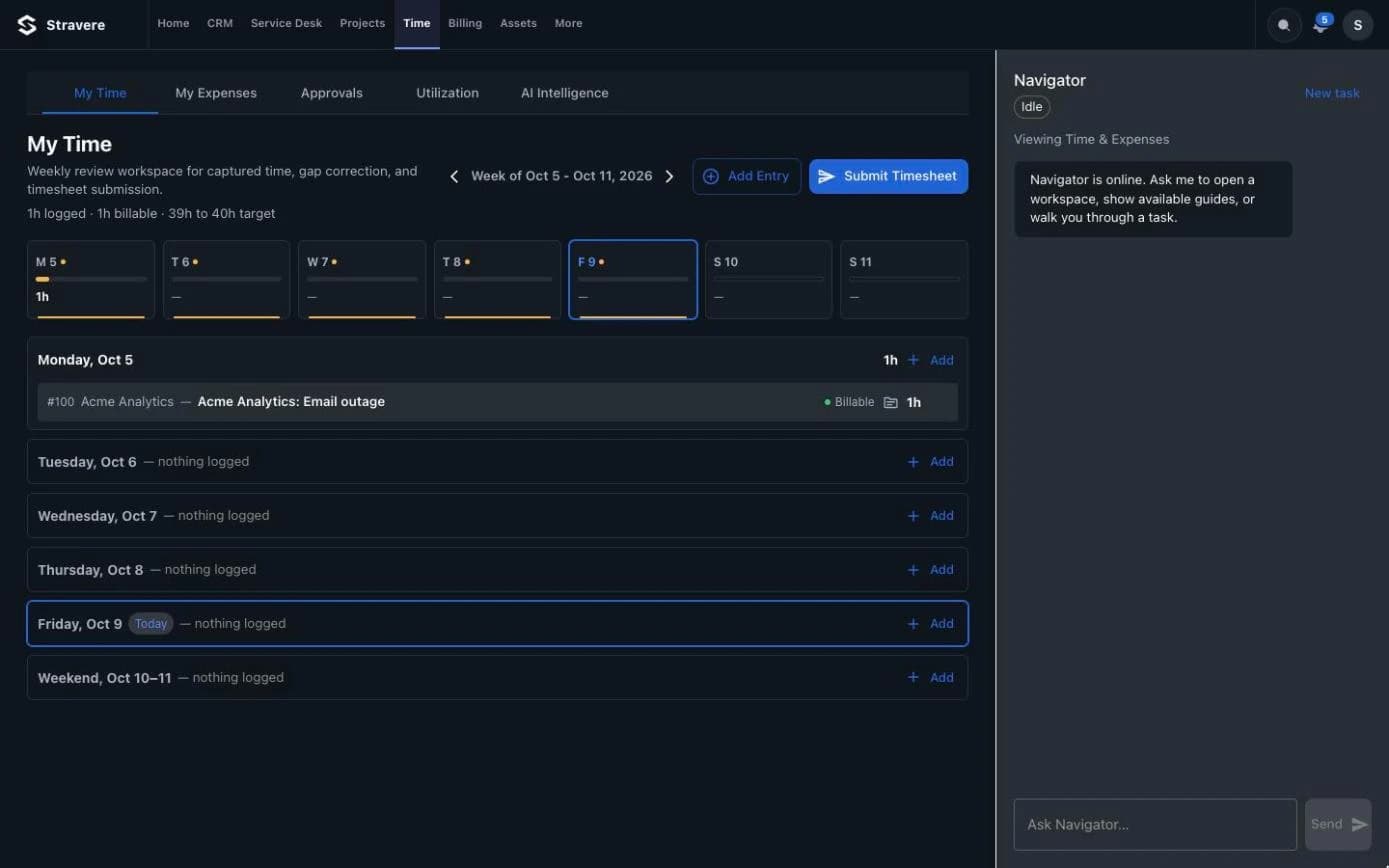
- 04Time & ExpensesCapture time where the work happens.Capture time where the work happens.
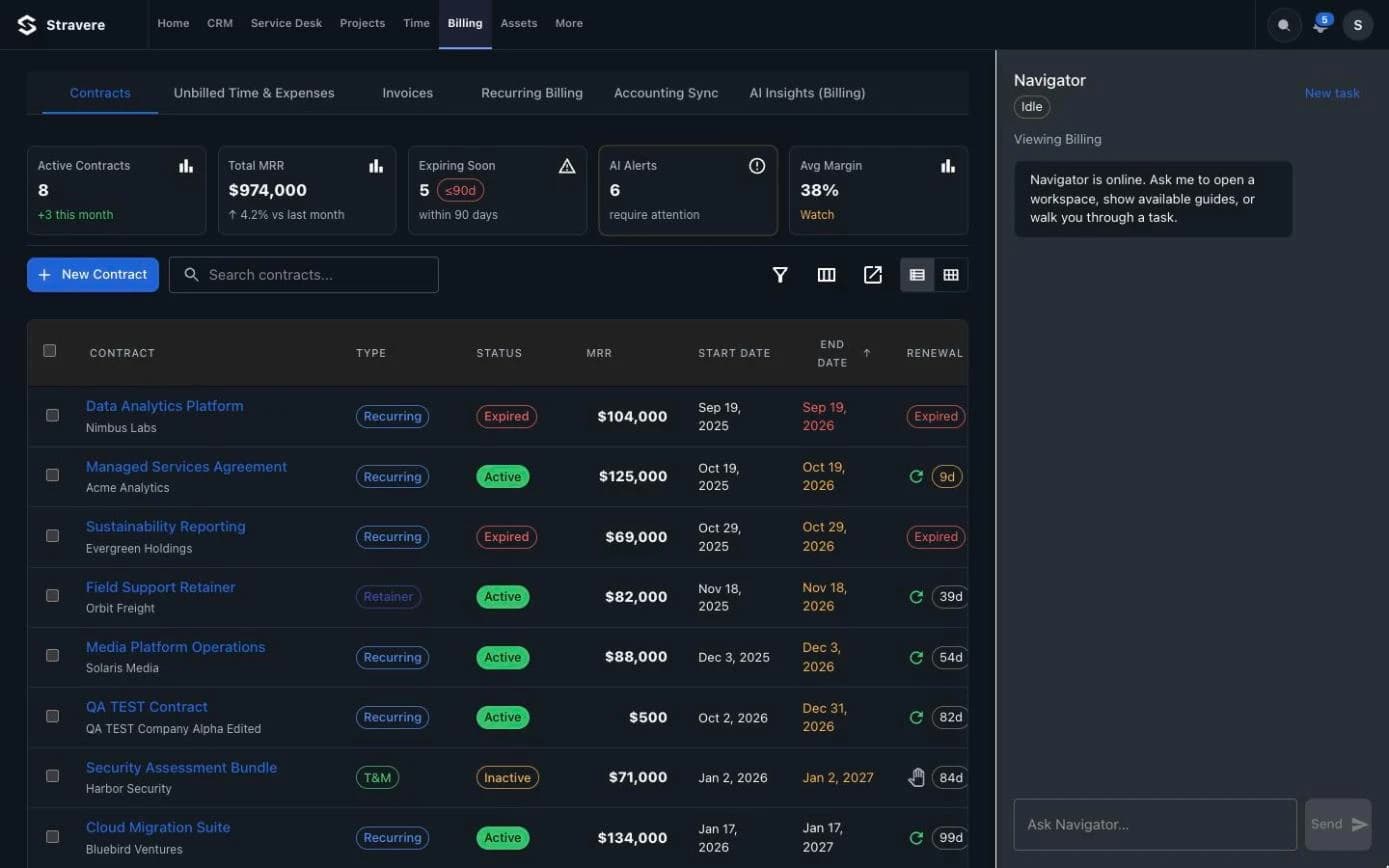
- 05BillingInvoices from agreements and time, synced to accounting.Invoices from agreements and time, synced to accounting.
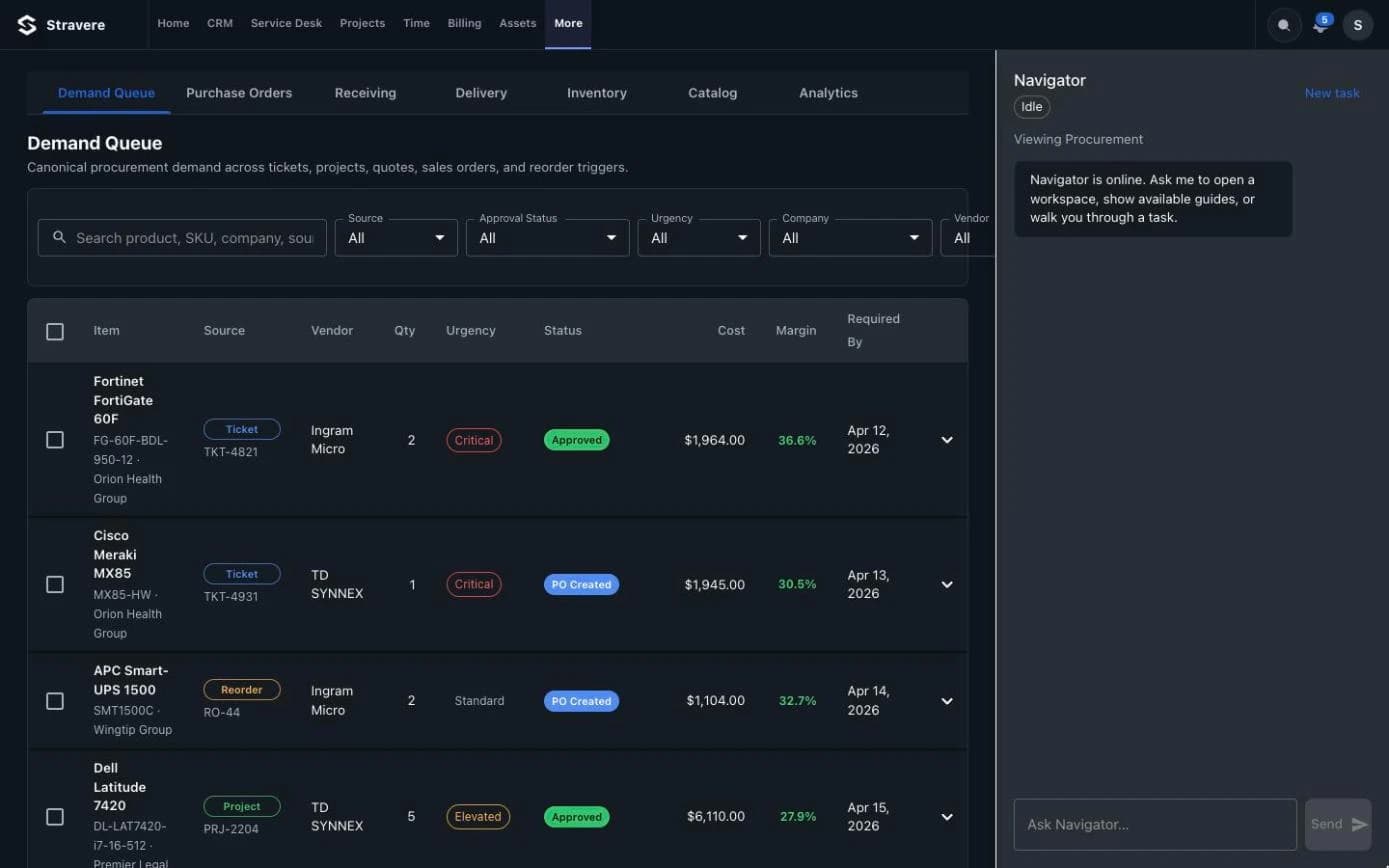
- 06ProcurementQuotes, purchase orders and demand tied to the work.Quotes, purchase orders and demand tied to the work.
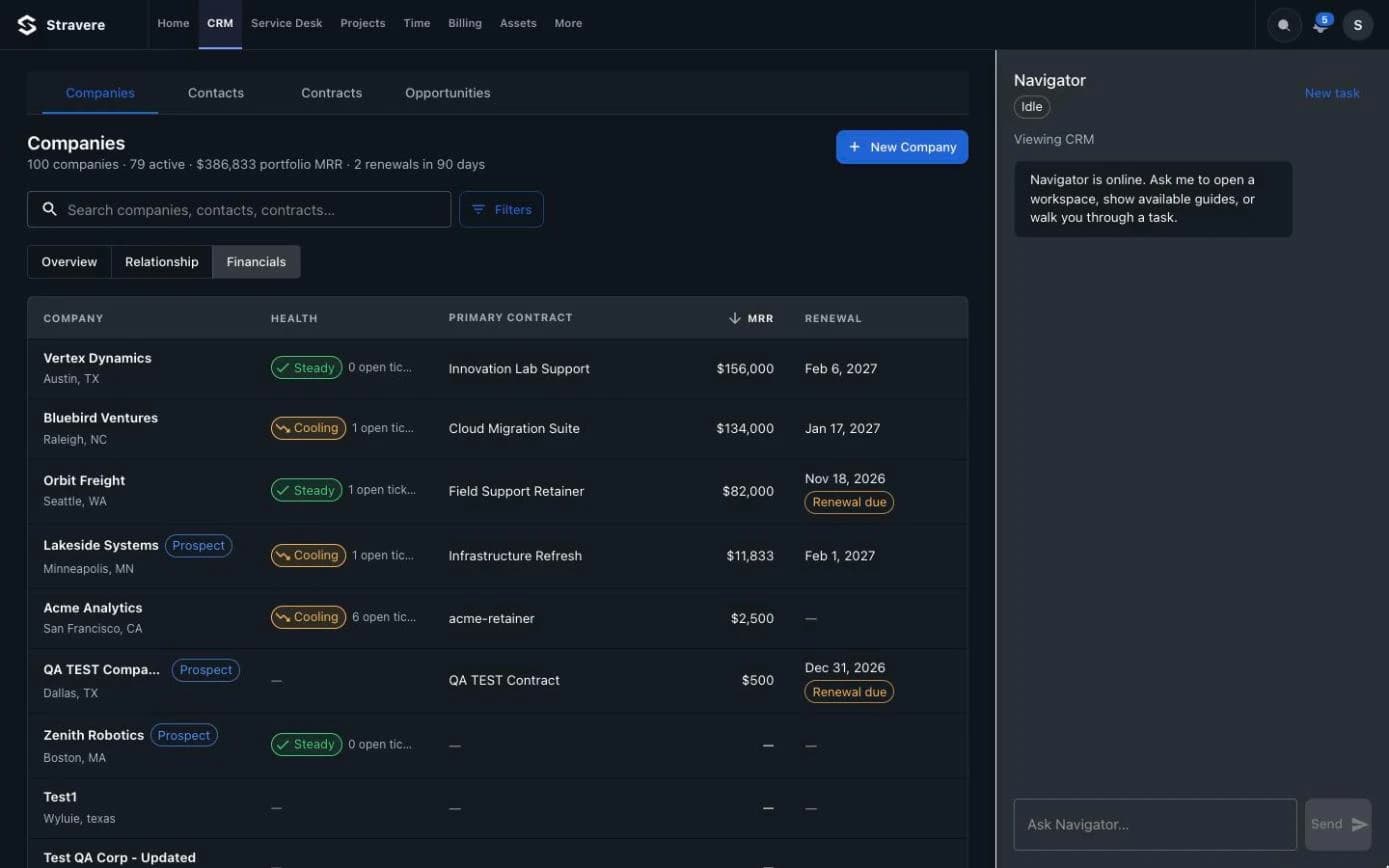
- 07CRMCompanies, contacts, contracts and opportunities.Companies, contacts, contracts and opportunities.
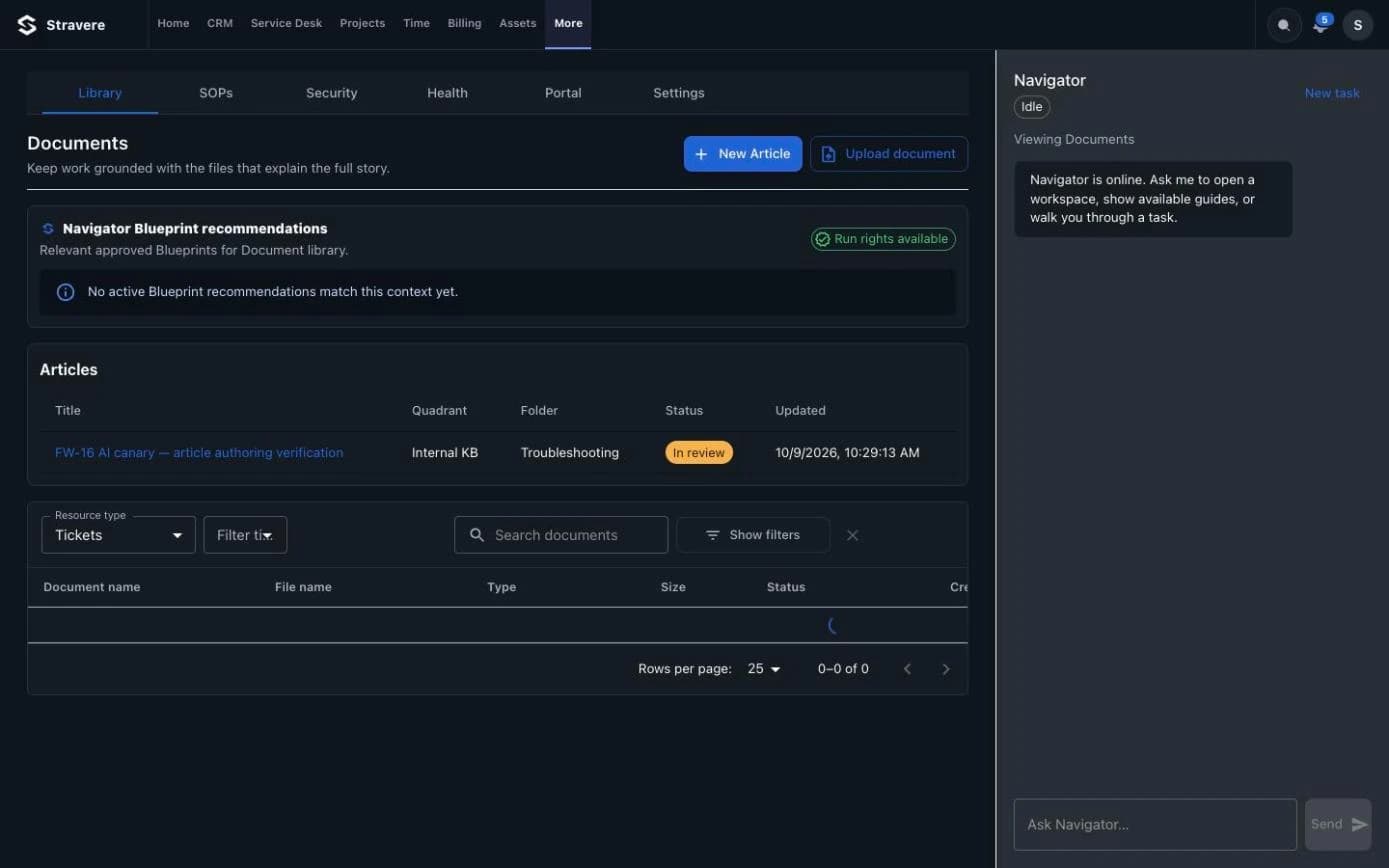
- 08DocsClient documentation and procedures, next to the work.Client documentation and procedures, next to the work.
- 09ReportsOperational questions answered with live numbers.Operational questions answered with live numbers.
- 10ArchitectAI workflows across the PSA, with approvals built in.AI workflows across the PSA, with approvals built in.
- 11Customer PortalWhere your clients open and follow their tickets.Where your clients open and follow their tickets.
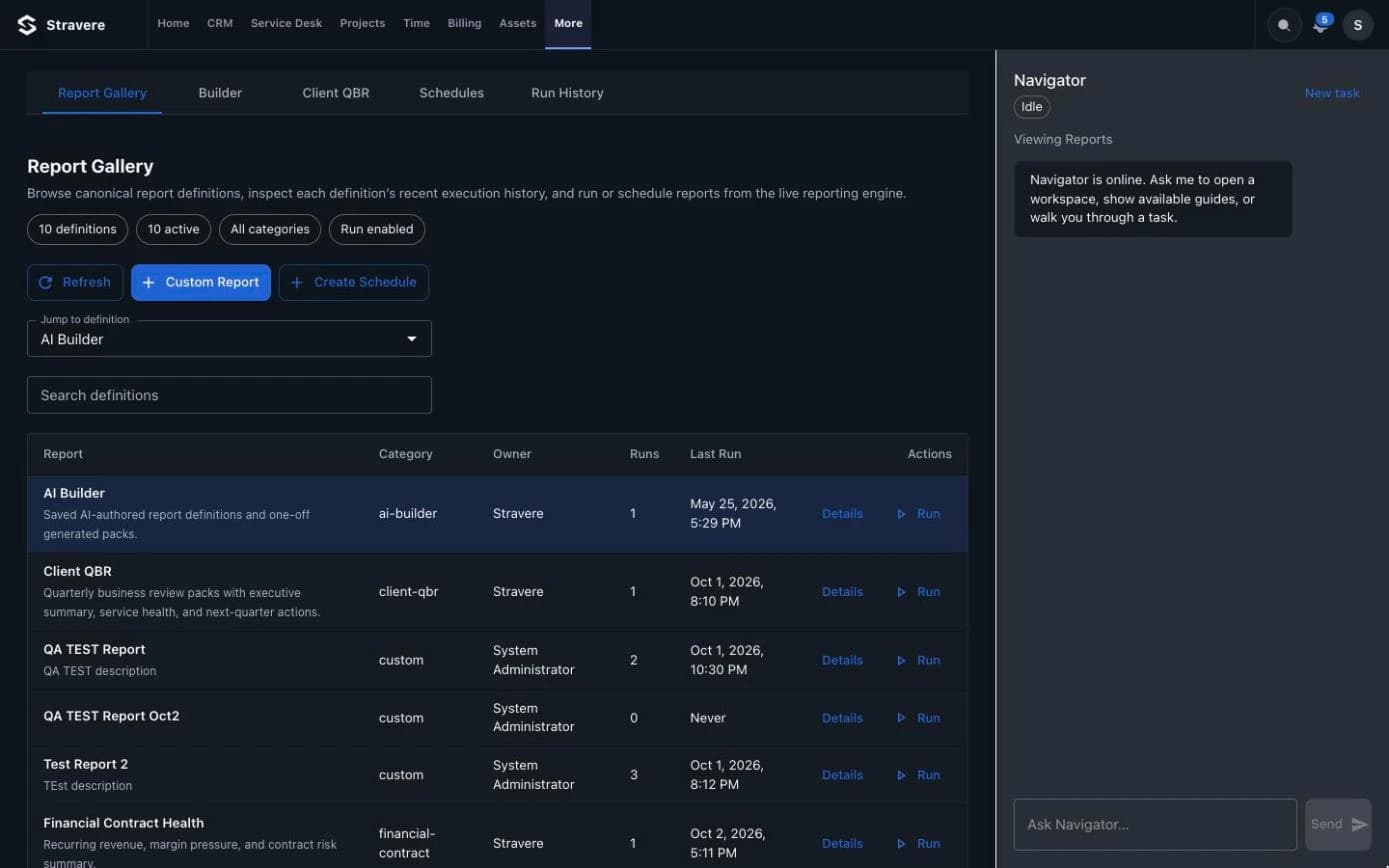
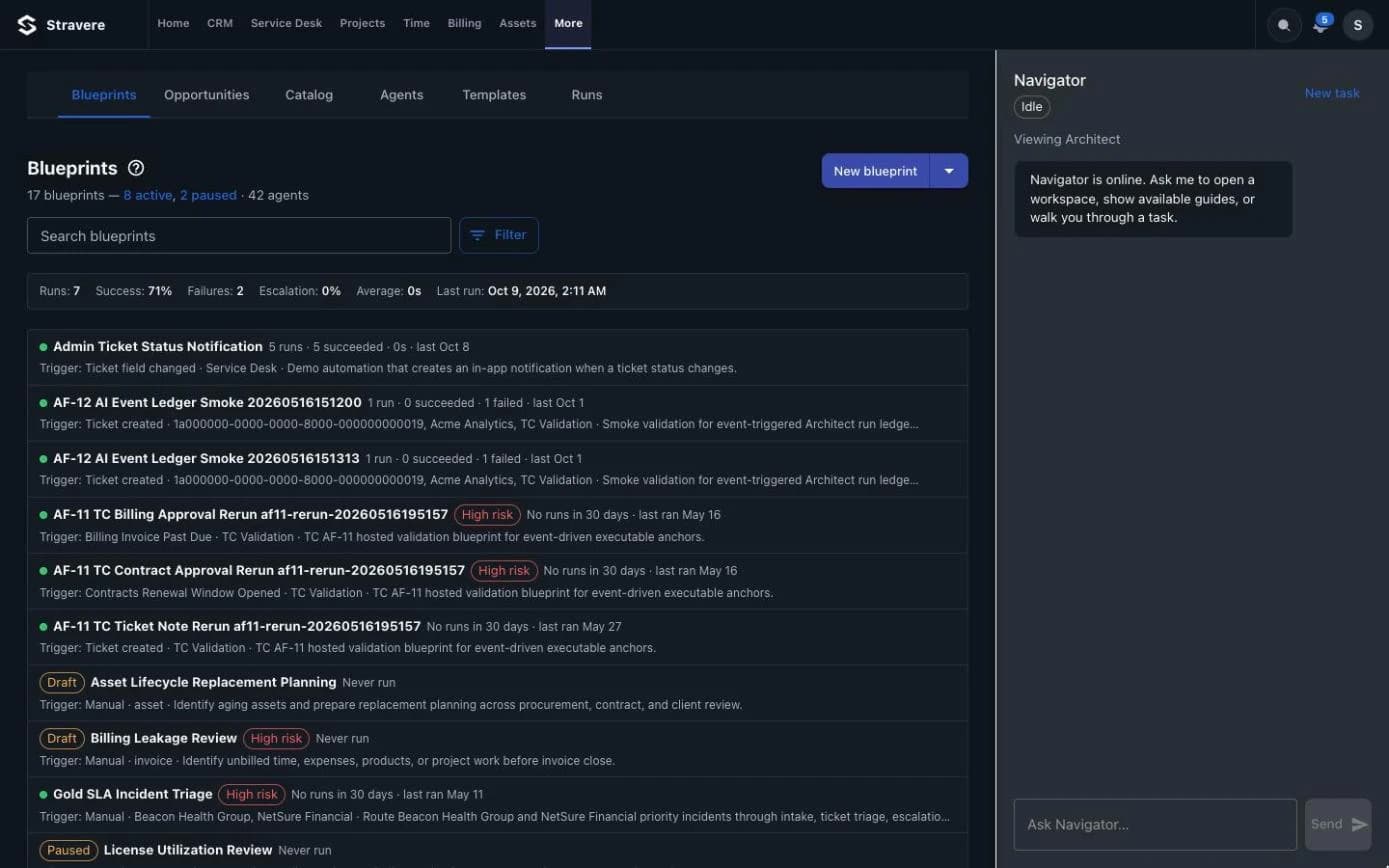
One record
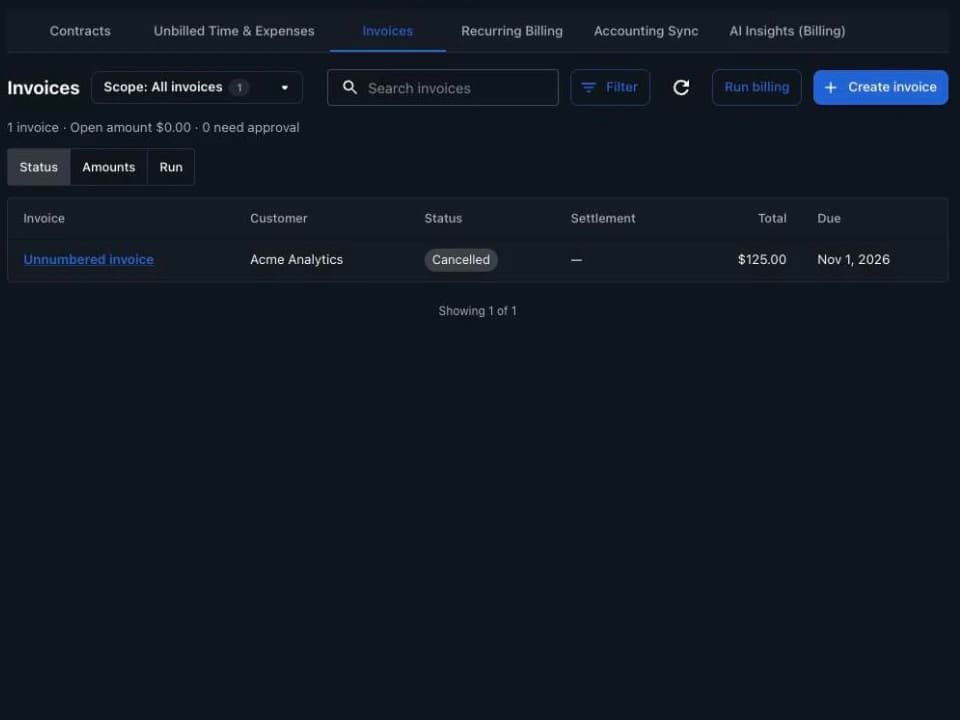
From ticket to invoice without re-keying.
- 01
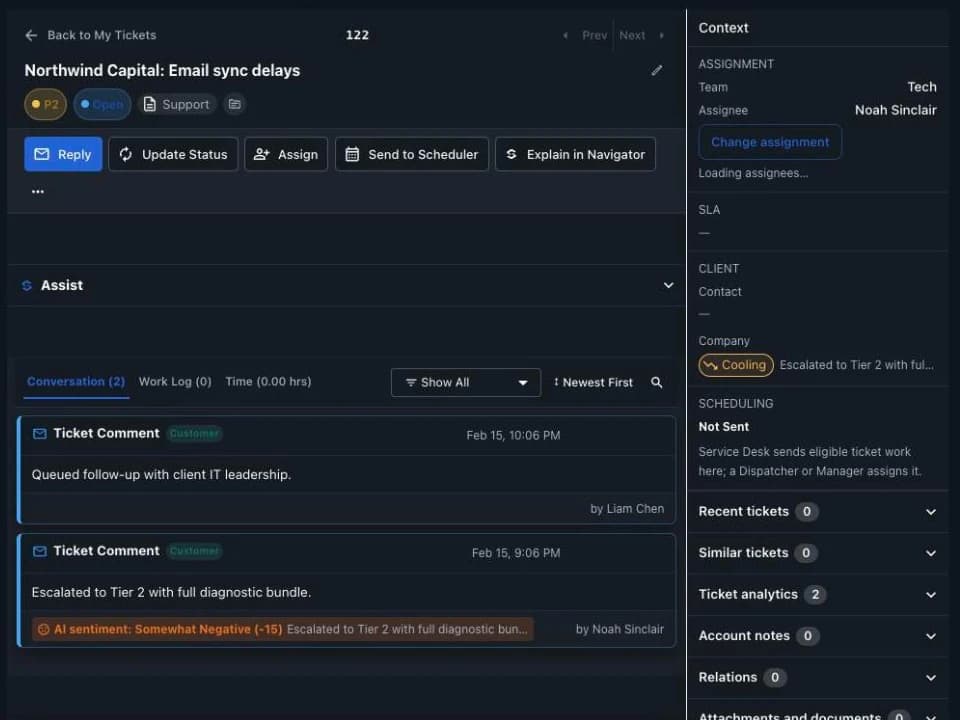
Ticket
A tech works the ticket.
- 02
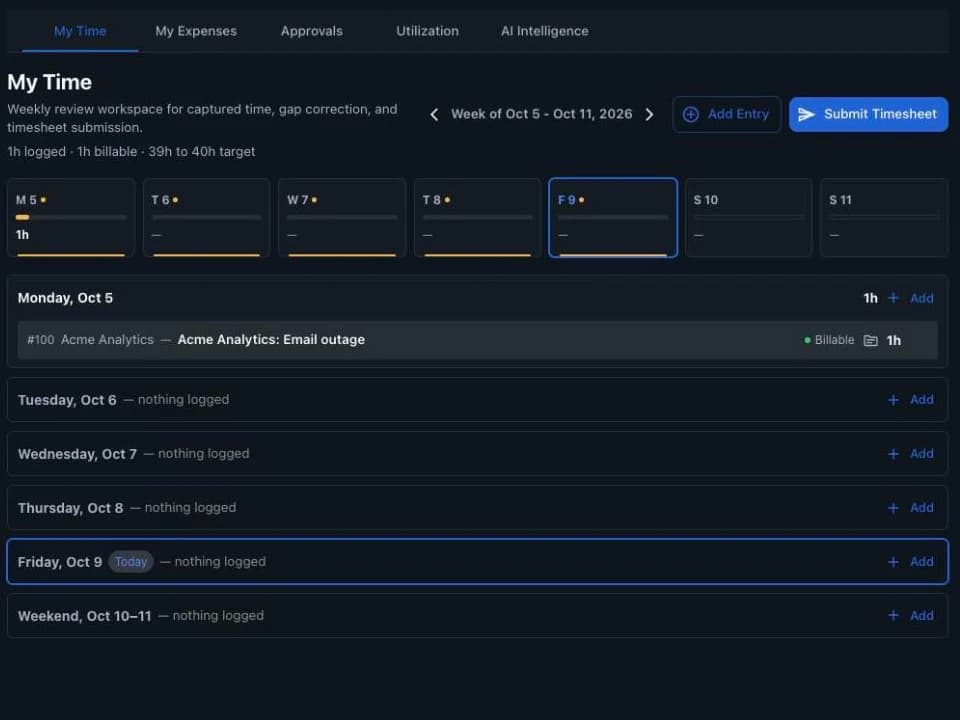
Time
Time is logged against it.
- 03
Invoice
Billing turns time and agreements into an invoice.
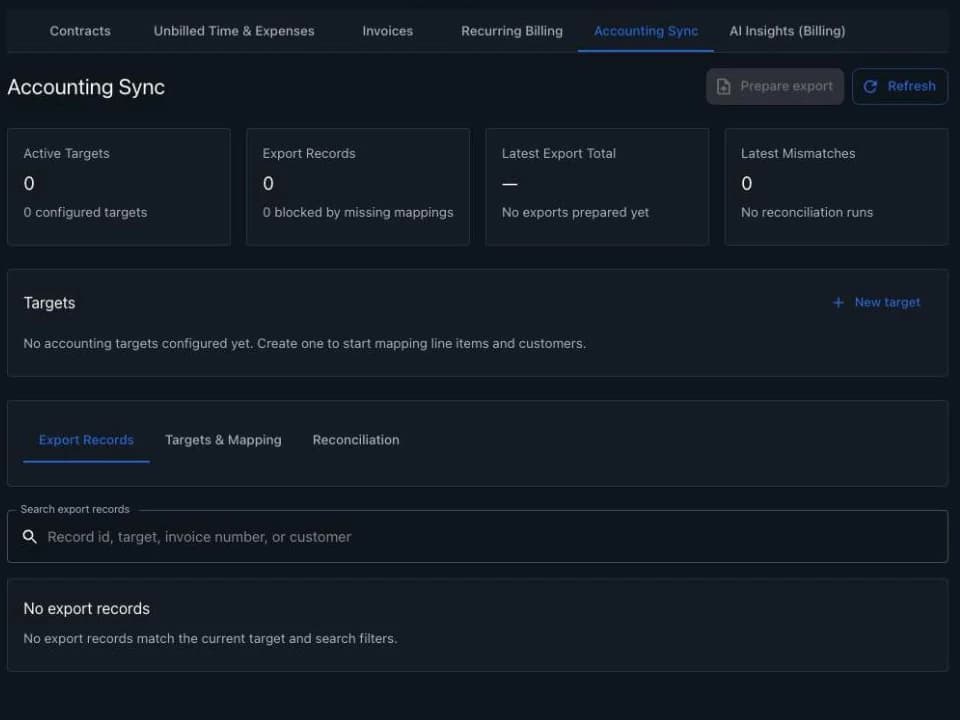
- 04
Accounting
The invoice syncs to QuickBooks Online or Xero.
In production
ITECS runs on Stravere.
ITECS, a managed service provider in Dallas, runs its service desk, dispatch, projects and billing on Stravere every day.
- TECHNICIANS ON STRAVERE
- 14
- TICKETS A MONTH
- 2,400
- HOURS SAVED A WEEK
- 38
- MONTHS IN PRODUCTION
- 11
“We built Stravere because we were tired of running ITECS across a dozen tabs. Now our techs just ask - and the work actually moves.”
Security
Every action checked. Every change on record.
- 01
Your own environment
Each MSP runs isolated, on its own hostname.
- 02
Permission on every action
Every screen and every Navigator action is checked against the user's role.
- 03
Navigator stays in your lane
It sees and opens only what the person asking is allowed to see.
- 04
Everything on record
Who changed what, and when, whether on a screen or in a conversation.
Integrations
Connected to the stack you already run.
- AccountingQuickBooks OnlineLive
- AccountingXeroLive
- RMMN-able N-centralLive
$99 per tech per month. Navigator included.
Two techs for $249 a month, then $99 per tech. Includes 1,000 Navigator actions a month.